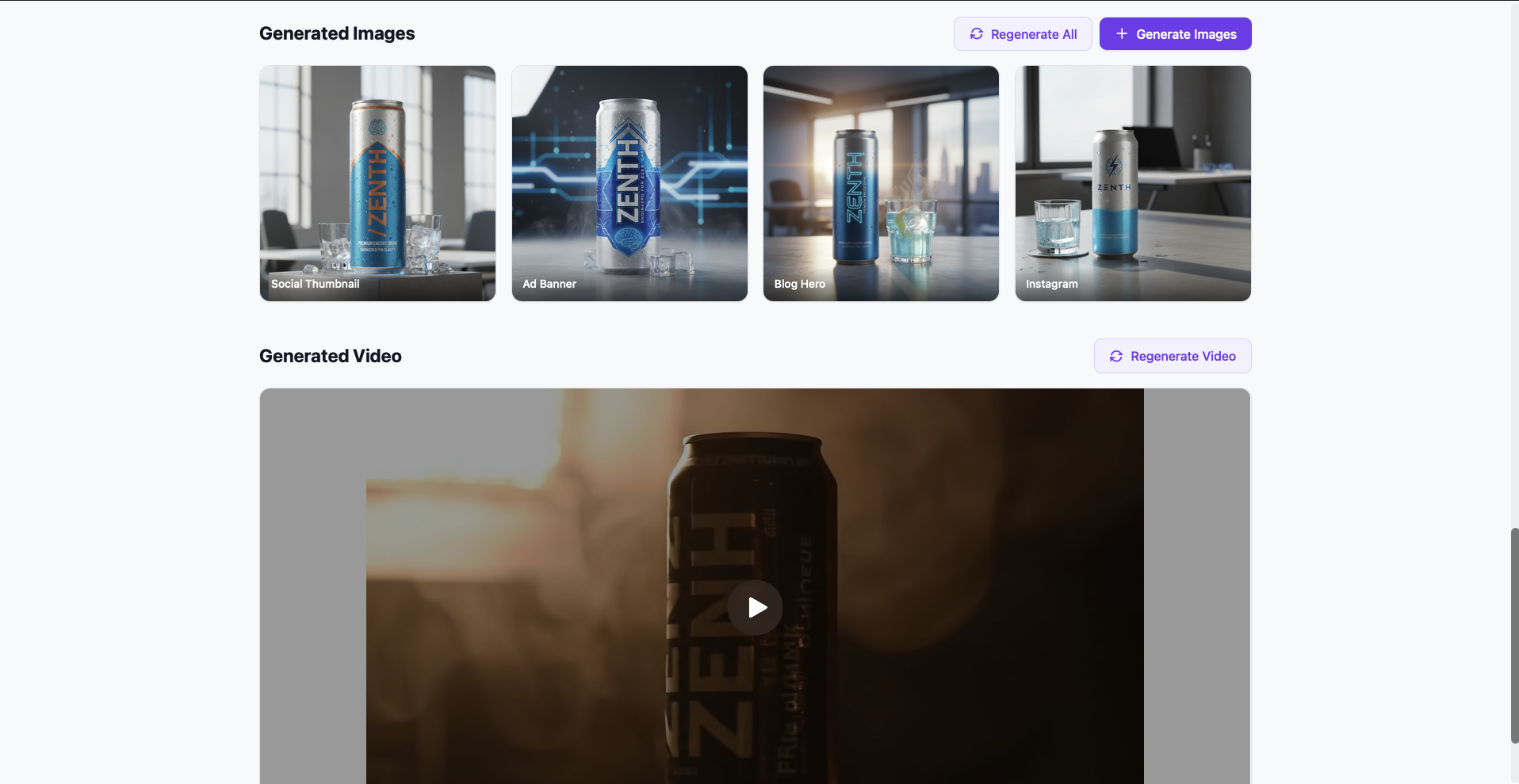
Paste a product URL, pick a brand voice, and watch Claude generate a blog post, LinkedIn, Twitter thread, Instagram caption, email, Google Ads, meta description, and product copy — all in parallel. Plus AI-generated images via Gemini and cinematic product video via Veo 2.0.
Agencies and D2C brands need content for 6+ channels per product — blog, social, email, ads, SEO — and every piece needs the same brand voice. That's 4–6 hours per product, per week.
Write a blog, repurpose for LinkedIn, rewrite for Twitter, different format for email, different again for ads. Repeat.
Blog sounds professional, Instagram sounds casual, ads sound robotic. One product, three different brands.
Google Ads headlines need <30 chars, meta descriptions <155 — yet most copy is written without counting.
Copy goes to design, design makes one image, it gets cropped badly for 4 platforms. No consistency.
Paste a URL (or text, or upload an image). Pick a voice. Claude generates 8 content types in parallel — each platform-optimized, character-validated, brand-consistent. Gemini adds images, Veo adds video.
BeautifulSoup scrapes the page; Claude's vision analyzes uploaded photos; or just paste a brief.
Professional, Casual, Luxury, or Edgy — injected into every prompt as a system-level persona.
asyncio.gather() launches blog, LinkedIn, Twitter, Instagram, email, Google Ads, meta, and product copy simultaneously.
Base product shot → Instagram, blog hero, ad banner, social thumbnail. Each platform-optimized using the base as reference.
16:9, dark studio lighting, product orbit — no text, no people, no watermarks. Async polling until complete.
# 8 content types generated in parallel
BRAND_VOICES = {
"professional": "authoritative, B2B...",
"casual": "friendly, D2C...",
"luxury": "elegant, premium...",
"edgy": "bold, disruptive...",
}
async def generate_all_content(
context: dict,
voice: str,
keywords: str | None,
cta: str | None,
image_path: str | None,
) -> dict:
results = await asyncio.gather(
_generate_blog(context, voice, ...),
_generate_linkedin(context, voice, ...),
_generate_twitter(context, voice, ...),
_generate_instagram(context, voice, ...),
_generate_email(context, voice, ...),
_generate_google_ad(context, voice, ...),
_generate_meta_description(context, voice, ...),
_generate_product_description(context, voice, ...),
)
return dict(zip(CONTENT_TYPES, results))
Blog (800w), LinkedIn (1200c), Twitter thread (5 tweets), Instagram (+ hashtags), email (subject+body), Google Ads (30c headlines), meta (155c), product copy.
Professional (B2B), Casual (D2C), Luxury (premium), Edgy (startup). Voice injected as system persona across all 8 generators.
Upload a product photo → Claude analyzes colors, materials, design, style → content reflects the actual visuals, not generic text.
Gemini generates a base shot, then 4 platform-optimized variants (Instagram square, blog hero 16:9, ad banner, social thumb) using the base as reference.
Veo 2.0 generates dark-moody product orbit videos. 16:9, no text/people/watermarks. Async polling with 5-min timeout.
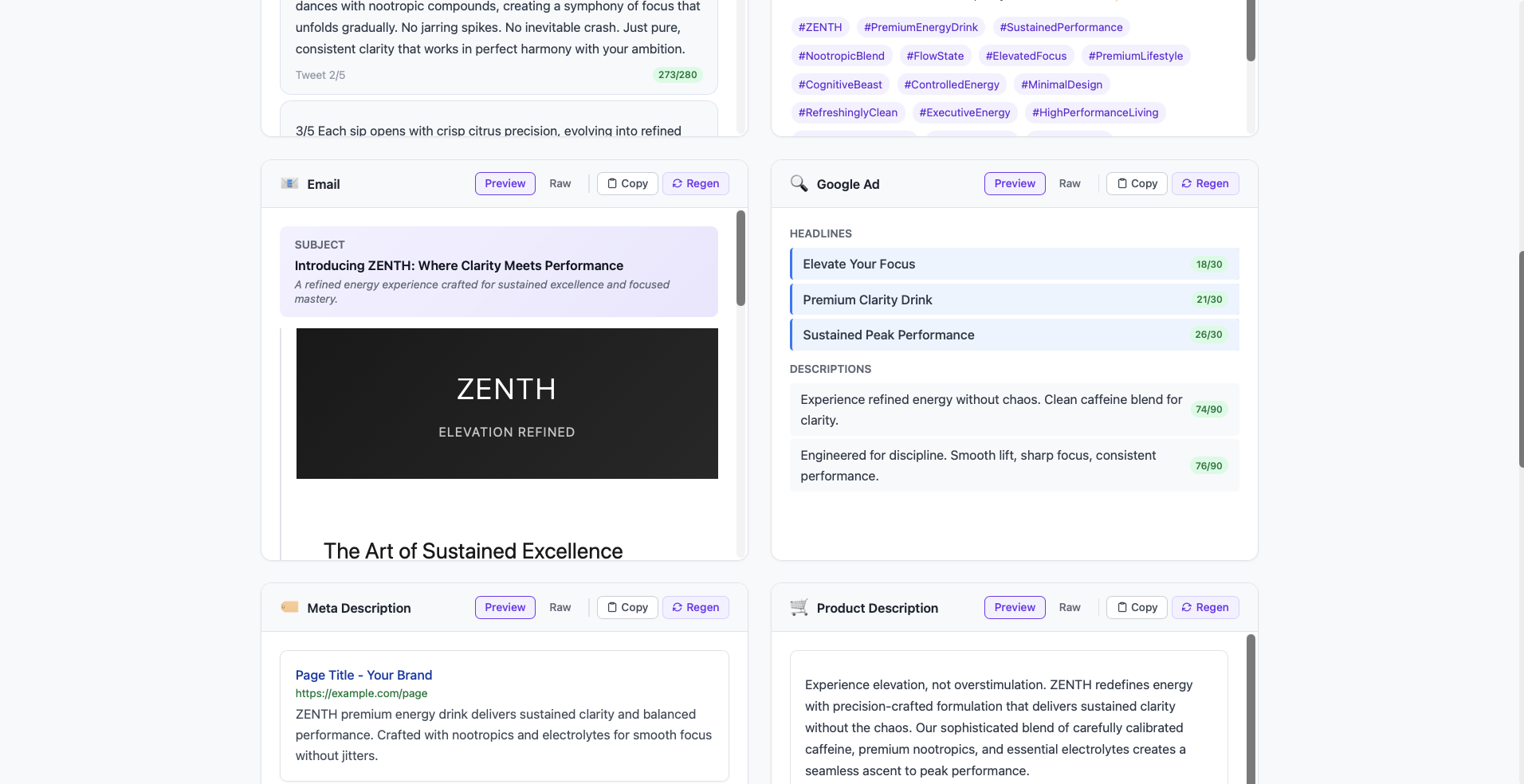
Google Ads: 30c headlines, 90c descriptions. Meta: 155c. Twitter: <280c per tweet. Instagram: hashtag count. All enforced in prompts and displayed in UI.
Regenerate any single content type with custom instructions ("shorter", "more emoji", "different angle") without re-running the full pipeline.
All 8 content pieces as markdown files + project summary. Download a clean, handoff-ready package for the client or design team.
BeautifulSoup extracts title, meta, headings, body, images, and price (regex for $, £, €). Context feeds all 8 generators.
Paste a product URL (scraper extracts title, meta, headings, price), type a brief, or upload a product photo for vision analysis.
Select brand voice (Professional/Casual/Luxury/Edgy), add keywords, CTA, audience persona. Toggle images/video.
asyncio.create_task() launches content gen (8 parallel Claude calls), then images (Gemini), then video (Veo). Frontend polls every second.
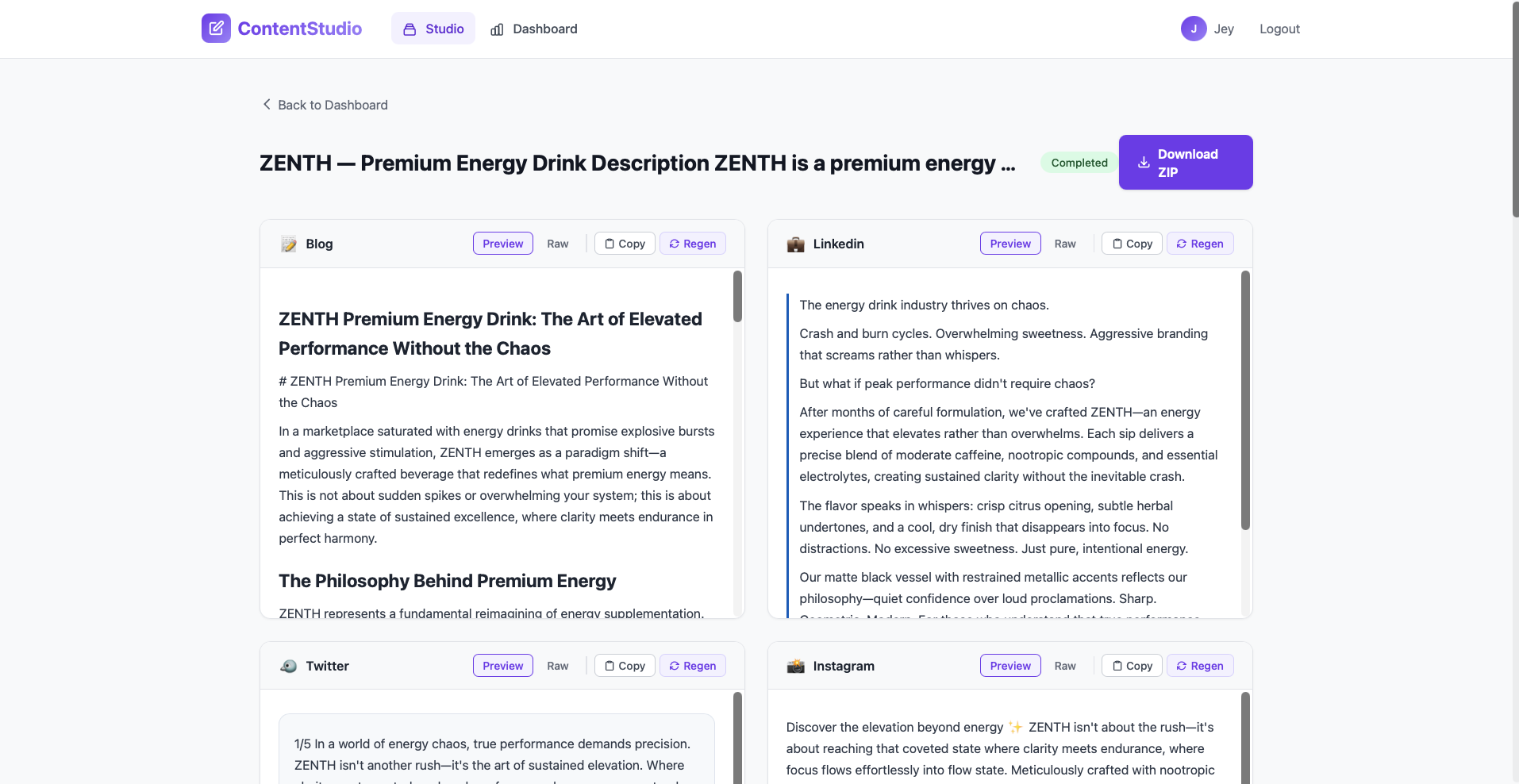
Cards populate as each piece completes. Blog, LinkedIn, tweets, email, ads — each with Preview and Raw tabs, copy button, regenerate button.
Click regenerate on any single type with custom instructions. Edit in place. Copy individual pieces to clipboard. View images and video.
One-click export: 8 markdown files + project summary. Hand off to client, design team, or publish directly.
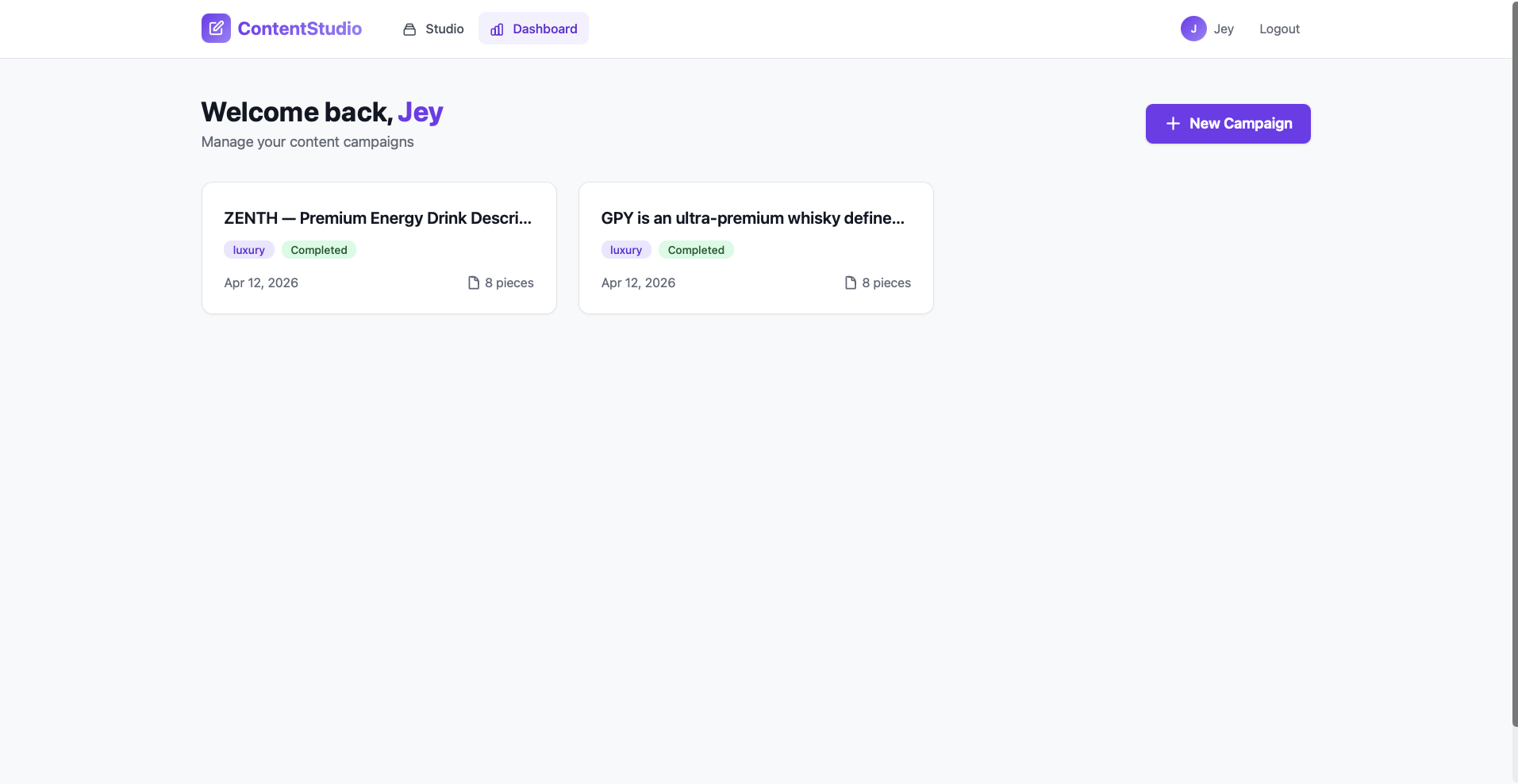
Dashboard, login, and the full studio experience — captured in multiple parts because the results page is that dense.
One form replaces a copywriter, social media manager, email marketer, SEO specialist, and ad creative — all in one brand voice, all platform-validated, all exportable.